Introduction to UI/UX Design: Fundamentals and Principles
Before diving deep into the concept, let’s see what UI and UX actually are:
User Interface or UI:
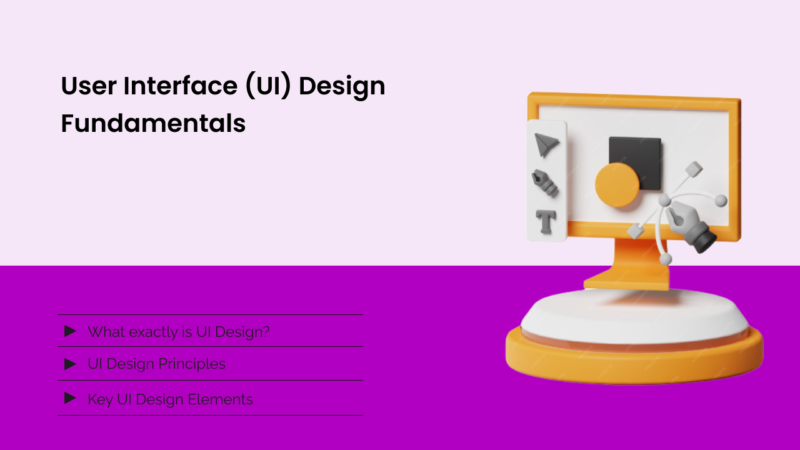
UI is the abbreviation of User Interface. The word “interface” itself shows that it is a connection point. Now, what exactly is a connection point? The answer is simple: UI is the space where technology meets humans. Whenever we open a website or an app, the first thing that captures our attention is the screen, the design, layouts and responsiveness, etc. They are all elements of UI.
UI refers to the interface that is built on a software, focusing on the looks and style.
User Experience or UX:
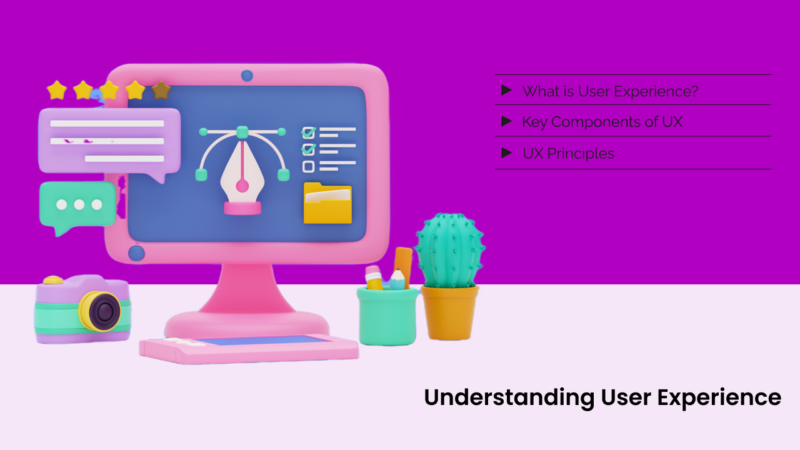
UX is the abbreviation of User Experience. It is mainly the process of creating products (websites or apps, etc.) that provide relevant and efficient experiences to the users. We can say that UX is the journey or process that the user experiences while going through the websites, apps or any other product.
Its main focus is EFFICIENT EXPERIENCE!
Importance:
The role of UI/UX in digital products is undeniable. It is not limited to aesthetics only; in fact, it impacts user satisfaction and engagement.
In today’s world, the expectations are much higher. People have really high standards for seamless digital interactions.
UI/UX is not just the visual design or responsive layout; it is the mixture of scientific methods with artistic insights. Read another popular post on How Our WordPress Theme Detector Works?
Fundamentals of UI/UX Design:
We’ll get into detailed fundamentals in the next articles. Let’s discuss the most important ones here:
- Color Theory, Typography, Layouts
- Buttons or interaction designs
- Prototyping
- Wireframing
- Responsive Design
- User Research and Analysis
- Clarity
- Consistancy
- Aesthetics
And don’t forget the main thing, SIMPLICITY.
The simple the design, the better it is!
The Design Process:
- Design discovery and planning
- Research and analysis phase
- Design concept and prototyping
- Testing and iteration phase
- Launch and maintenance
Don’t worry, we’ll get into the details of each step in future articles. It is just the introduction.
Tools:
There are plenty of tools, but the most popular ones are:
- Figma
- Adobe XD
- Sketch
- Blender (for 3D design)
- InVision and many more!
Roles and Careers:
This field of design is very vast. The main roles you can get are:
- UI designer
- UX designer
- UX researcher
- Interaction designer
- Visual designer
- Front-end developer (overlap with UI/UX)
Here are three things I personally recommend to newbies:
- The simple the design, the better it is.
- A pen and paper are your best friends
- Copy others to practice and be better in the design game!