Skip to content
Top WordPress Security Practices for Payment Gateways (2026 Guide)
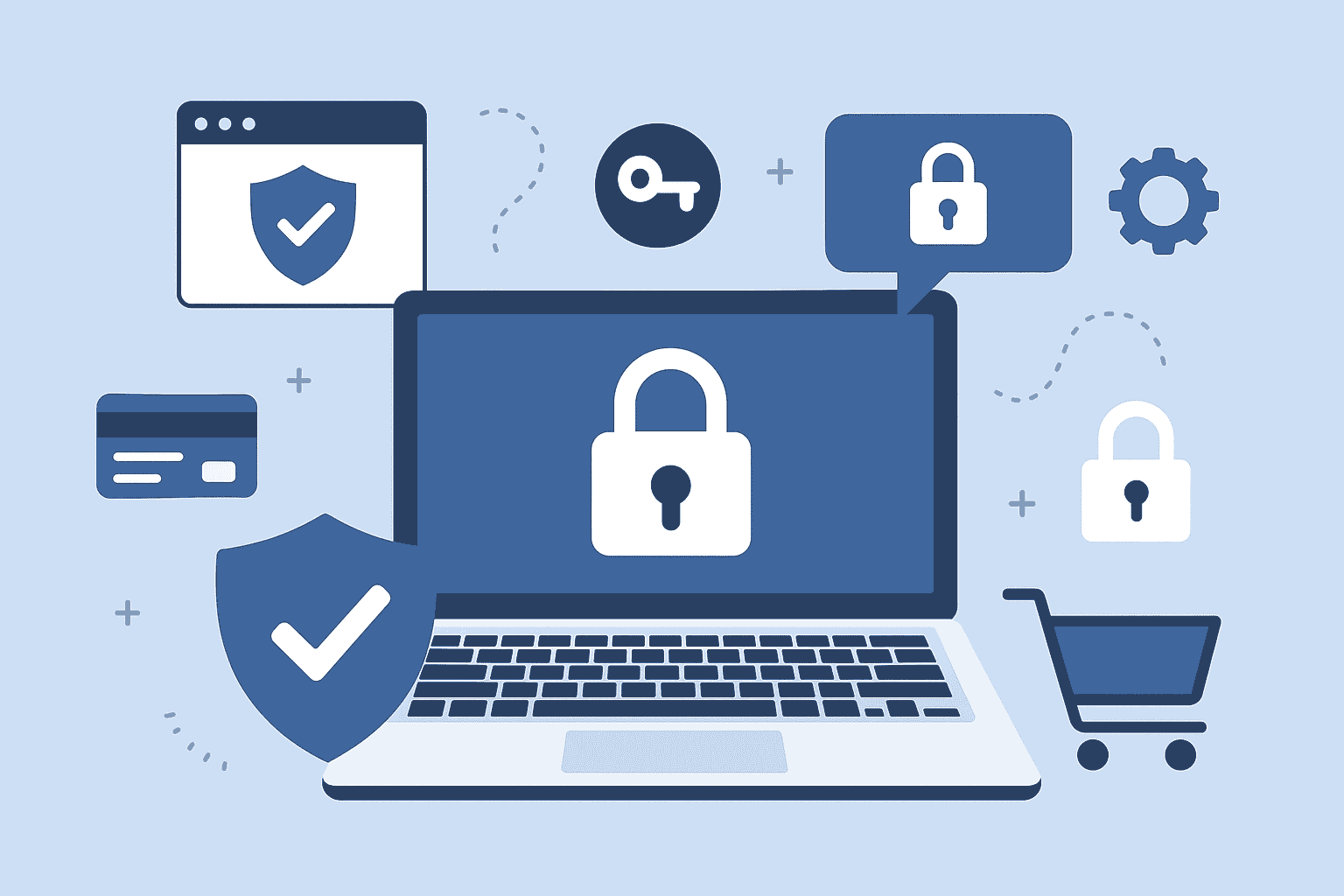
Why Payment Gateway Security Matters More Than Ever in 2026?
In 2026, online payments are growing at a record pace, and so are cyberattacks targeting WordPress stores. As businesses continue to expand into global and regional markets—especially across Egypt, the Middle East, and Asia—secure digital transactions have become essential to earning customer trust.
When your WordPress website handles sensitive payment information, even a small vulnerability can expose your customers to fraud, compromise their financial data, and damage your brand reputation.
For companies like Cross Nine, securing payment gateway integrations is a top priority. Whether you use Fawry, Paymob, Amazon Payment Services, Stripe, PayPal, or other gateways, strong security practices are the backbone of reliable eCommerce performance.
This guide covers the most important WordPress security practices for payment gateways, updated for 2026 and aligned with the latest global cybersecurity standards.
How Payment Gateways Work in WordPress?
Understanding how a payment gateway interacts with WordPress helps you secure it more effectively.
Payment gateways typically process transactions using:
- Encrypted API connections
- Tokenized payment methods
- Secure redirection to gateway servers
- Callback and webhook responses
- PCI-DSS-compliant environments
Your website never stores card details, but it must still protect order data, authentication tokens, and API credentials. If the WordPress environment is weak, attackers can intercept or modify payment processes—even without accessing card information.
Most Common Security Risks in WordPress Payment Gateways:
1. Exposed API Keys
Many businesses accidentally expose API keys due to misconfigured files or insecure plugins. Attackers can use these keys to manipulate payment requests or generate fraudulent charges.
2. Outdated Plugins and Themes
Old plugin versions often have unpatched security holes that attackers exploit through automated bot scans.
3. Weak Site Hosting Environment
Shared hosting plans without proper firewalls or malware scanners are vulnerable to injection attacks.
4. Poor Checkout Security
Unsecured checkout pages increase the risk of data interception, fake redirects, or malicious scripts.
5. Compromised Admin Accounts
Weak passwords enable brute-force login attacks that allow hackers to modify payment settings or redirect transactions.
Essential WordPress Security Practices for Payment Gateways:
Use Strong SSL and HTTPS Standards
Ensure your entire website—especially checkout pages—runs on HTTPS.
Modern payment gateways require 256-bit encryption for secure transactions. Without SSL(SSL Handshake Failed Error Code 525), your payment gateway may fail or expose users to security risks.
Keep WordPress Core, Themes, and Plugins Updated
Every update includes new security patches.
Enabling automatic updates prevents attackers from exploiting known vulnerabilities.
For high-traffic stores, Cross Nine recommends enabling managed WordPress updates for stability and uninterrupted operation.
Choose Only Trusted Payment Gateway Plugins
Before installation, review:
- Developer credibility
- Update frequency
- Support responsiveness
- Security documentation
- Compatibility with your WooCommerce version
Avoid plugins with long update gaps or minimal reviews.
Use Two-Factor Authentication (2FA) for Admin Access
Admins have the highest control, making them the main target for attacks.
Implement 2FA using apps like Google Authenticator, Authy, or Wordfence Login Security.
Restrict Admin Access and User Permissions
Never give full admin rights to employees, developers, or temporary staff unless necessary.
Use WooCommerce’s role system to assign limited permissions such as “Shop Manager” or “Editor.”
Secure API Keys and Webhook URLs
Treat your API keys like passwords.
Best practices include:
- Storing keys in encrypted environments
- Never sharing API keys in email or chat
- Limiting webhook access to secure IPs
- Regenerating keys if an employee leaves
For high-security setups, Cross Nine configures secure environment variables for API storage.
Enable Firewall Protection
A web application firewall (WAF) blocks malicious IPs, bots, and injection attacks before they reach your site.
Solutions like Cloudflare, Sucuri, and Wordfence are highly effective.
Scan for Malware Regularly
Hidden malware can intercept payment requests or redirect users to fake gateways.
Schedule weekly malware scans to detect:
- Injected scripts
- Unwanted redirects
- Suspicious cron jobs
- Malicious PHP files
Disable Unused Payment Gateways
If you test multiple gateways, disable and remove the ones you’re not using.
Inactive gateways can still expose vulnerable code.
Limit Login Attempts
Brute-force attacks are common. Use plugins that:
- Restrict login attempts
- Block suspicious IPs
- Monitor failed login attempts
Use a Secure Hosting Provider
Choose hosting with:
- Dedicated resources
- Server-side firewalls
- Real-time malware scanning
- Secure SSH access
- Regular backups
Cross Nine recommends upgrading from shared hosting to VPS or cloud hosting for better protection.
Checkout Page Security Practices:
Use a Dedicated Payment Page
Avoid clutter or scripts on your checkout page.
Minimize third-party scripts such as ads, chat widgets, or analytics tools that can slow down or compromise the checkout process.
Enable reCAPTCHA for Checkout and Login
Stop bots from attacking checkout forms or generating fake orders.
Stay Compliant with PCI-DSS Guidelines
Even though gateways handle card data, your website must still meet certain compliance requirements such as:
- Secure transmission
- Strong access control
- Regular vulnerability scans
Cross Nine offers PCI-DSS-aligned configuration for WooCommerce stores.
Protect Against Cross-Site Scripting (XSS)
Secure forms, sanitize inputs, and disable untrusted HTML elements.
Advanced Security Practices for 2026:
Tokenization and Secure Authentication
Use gateways that support tokenized transactions, ensuring card details are never processed on your server.
Encrypted Environment Variables
Store API keys in wp-config using encrypted variables rather than plugin settings.
Server-Level Rate Limiting
Prevent bots from flooding your checkout or login pages.
Geo-Blocking for Non-Target Countries
If your store operates mainly in Egypt or the Middle East, block suspicious traffic from regions you do not serve.
Real-Time Threat Monitoring
Use monitoring tools that send instant alerts if your payment configurations change.
How Cross Nine Helps Secure Your WordPress Payment Gateway?
As a professional WordPress and WooCommerce solutions provider, Cross Nine offers complete eCommerce security services including:
- Payment gateway setup (Fawry, Paymob, PayTabs, Stripe, PayPal, Mada, STC Pay, Tap)
- Checkout security hardening
- API protection and token encryption
- Firewall and CDN configuration
- WooCommerce malware cleanup
- Real-time security monitoring
- Gateway conflict troubleshooting
- Custom secure payment plugin development
With strong regional expertise and updated 2026 security knowledge, Cross Nine ensures your payment systems remain protected, compliant, and conversion-optimized.
Frequently Asked Questions
How do I secure my payment gateway on WordPress?
Use SSL, secure API keys, updated plugins, 2FA logins, firewalls, and malware scanners to protect your payment system.
What is the safest payment gateway for WordPress?
Gateways like Stripe, PayPal, Paymob, FawryPay, and Amazon Payment Services follow global security standards and offer tokenized payments.
Can WordPress be hacked through a payment gateway?
Yes, if plugins are outdated, API keys are exposed, or the website lacks security measures. Proper hardening prevents this.
Why is SSL important for payment gateway security?
SSL encrypts user information during checkout, preventing interception and fraud.
How do I protect my API keys in WordPress?
Use encrypted storage, environment variables, and restricted access panels. Regenerate keys if exposed.
Does WooCommerce support secure payment processing?
Yes, WooCommerce integrates securely with PCI-compliant gateways and supports tokenization, encryption, and secure redirects.
Conclusion:
Securing your WordPress payment gateway is not optional, it is the foundation of trust, sales continuity, and long-term business growth. With increasing digital payments and rising cyber threats, adopting strong security practices is essential in 2026.
By implementing SSL, securing API keys, updating plugins, enabling firewalls, and following PCI-aligned procedures, you can ensure safe, smooth, and trustworthy transactions for your customers. For businesses seeking expert payment gateway integration and security, Cross Nine provides professional setup, hardening, monitoring, and support, designed to keep your store protected and optimized for performance.